

Welcome Bonus
Get Up to A$2,000 + 100 Free Spins on Your First Two Deposits
Crypto under 24h; bank transfer 1–3 business days
Up to A$2,000 + 100 Free Spins across two deposits
6,000+ titles from 102 providers
From A$10 depending on payment method
Lucky Hills Mobile Gaming Experience
Accessing the LuckyHills Casino site gaming platform on a handheld device is straightforward through a responsive browser interface. While a traditional native download is not required, players can install a progressive web shortcut directly to the home screen for instant online access. This practical setup ensures full compatibility across iOS and Android operating systems without taking up significant storage space. The portable layout delivers the complete 6,000-plus pokies lobby, live dealer tables, and the integrated sportsbook directly to any modern touchscreen. Punters can easily complete new account registration, manage a secure login, process AUD deposits, and request cryptocurrency withdrawals seamlessly while on the move. Everything functions smoothly within the standard web environment, keeping the entire betting experience secure and readily available to play anywhere.
LuckyHills for iPhone and iPad
LuckyHills does not offer a native download through the Apple App Store. Instead, the platform provides a PWA-style install that works directly from Safari or another compatible browser on iPhone and iPad devices. This approach means players in Sydney, Melbourne, Brisbane and across Australia can add LuckyHills to the home screen and launch it like a standalone program, without the storage overhead of a traditional download. The PWA delivers a responsive interface covering account registration, the full games lobby with 6,000+ titles, cashier functions in AUD, promotions, Lucky Store access, live casino tables and sportsbook navigation.
Because the install runs through the browser engine, updates happen server-side. There is no need to visit the App Store for patches or new versions. Players simply open the home-screen icon, and the latest interface loads automatically. Payments via Visa debit, Mastercard debit, MiFinity, Bitcoin, Ethereum, Litecoin, USDT and other supported methods all function within the mobile cashier, and KYC document uploads can be completed on the device camera.
| Specification | Requirement |
|---|---|
| Minimum iOS Version | iOS 14.0+ |
| Estimated Size | 92 MB (cached data) |
| Supported Devices | Modern iPhone and iPad models running iOS 14 or later |
How to Install on iPhone or iPad
- Open Safari on the iOS device and navigate to the official LuckyHills website.
- Tap the share icon at the bottom of the Safari toolbar.
- Scroll down in the share menu and select “Add to Home Screen.”
- Confirm the name and tap “Add” - the LuckyHills icon will appear on the home screen.
- Open the new icon, log in or register, and the platform is ready to use with full mobile functionality.
LuckyHills Android Access and Mobile Setup
LuckyHills is accessible on Android devices through a progressive web experience that works directly in the browser - no APK download from an external source is needed to get started. The platform uses a PWA-style install prompt, so players running Android 9.0 or higher can add Lucky Hills to the home screen and access the full casino lobby, cashier, promotions and live tables from a single icon. The installed version takes up approximately 85 MB on device storage.
Because no standalone APK file is distributed, there is no need to adjust device security settings to allow third-party installs. Everything runs through the browser session, which means updates happen automatically without manual downloads. The experience covers account registration, deposits in AUD, game browsing, bonus activation and withdrawal requests - the same features available on desktop.
Technical Specifications
| Specification | Requirement |
|---|---|
| Android Version | Android 9.0 or higher |
| File Size | Approximately 85 MB |
| Supported Devices | Modern Android phones and tablets |
How to Set Up LuckyHills on Android
- Open Chrome or another modern browser on the Android device and navigate to the official LuckyHills site.
- Wait for the browser to display an “Add to Home Screen” or install prompt, then tap it to confirm.
- The shortcut will appear on the home screen - tap it to launch the casino interface directly.
- Log in with existing credentials or register a new account, choosing AUD as the account currency when prompted.
- Head to the cashier to make a Lucky Hills Casino deposit and start playing.
Browser-Based Mobile Casino Access
LuckyHills works directly in Safari, Chrome, Firefox and other modern browsers, with no download required. The responsive layout adapts automatically to smartphones and tablets, providing access to pokies, live casino games, the sportsbook and account management.
Registration can be completed from a mobile device in minutes. The mobile cashier supports AUD payments via Visa Debit, Mastercard Debit, MiFinity and cryptocurrencies such as Bitcoin, Ethereum and Tether. Withdrawals, promotions, the Lucky Store, tournaments and live chat are all available through the browser interface, with full real-money play supported in AUD accounts.
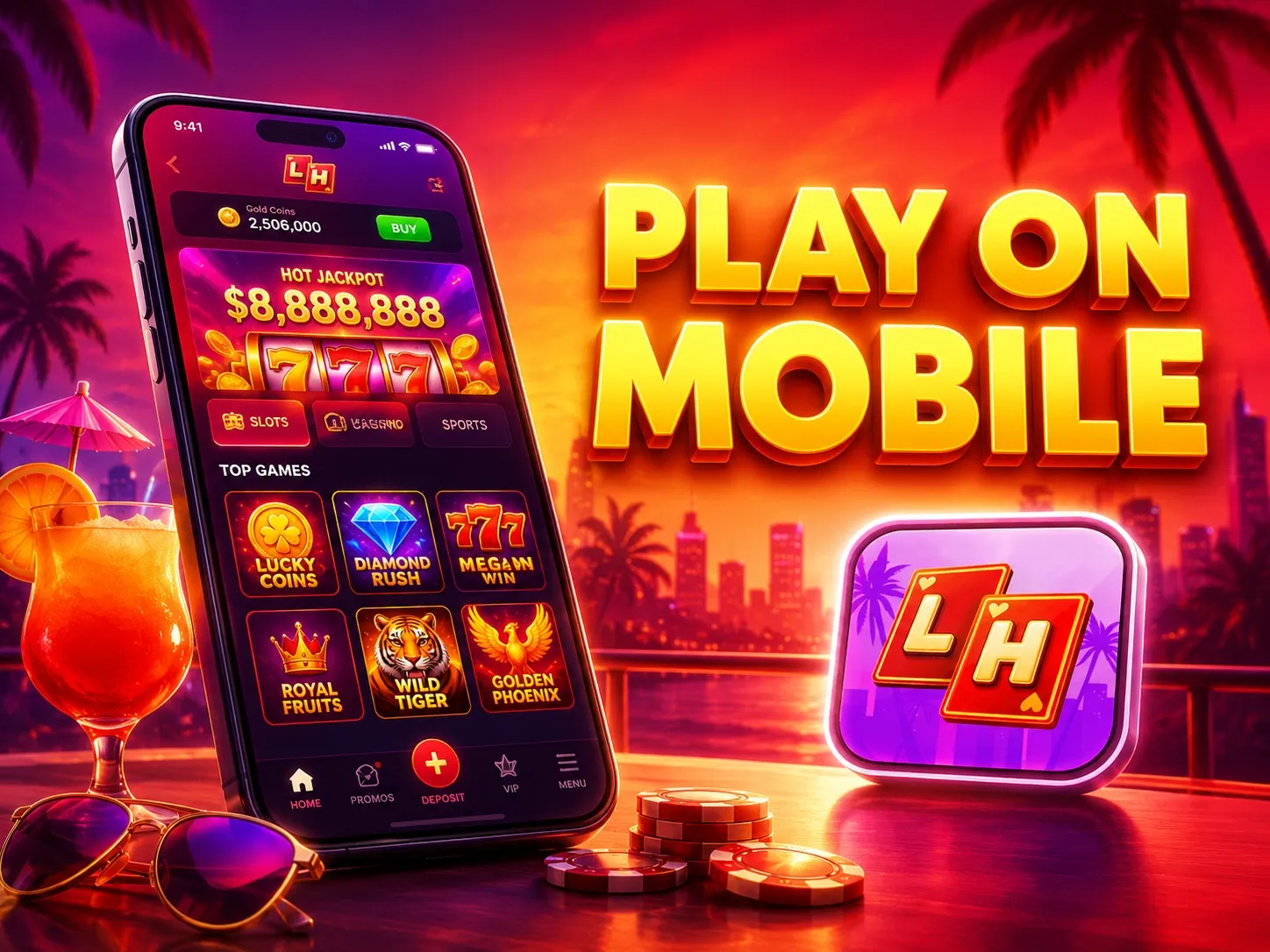
Extensive Gaming Library on Any Device
Players at LuckyHills can access the full library of over 6,000 games directly from a smartphone or tablet. The mobile platform is fully optimised for touchscreen gameplay, providing a smooth and responsive experience without needing to install an application. The entire collection, from the latest pokies to live dealer tables, is available for play anywhere with an internet connection.
The mobile games lobby is organised for easy navigation, featuring categories like Pokies, Table Games, Live Casino, and Crash Games. Popular titles such as Temple Tumble 2 Dream Drop, Starburst, Gonzo’s Quest, and Bonanza Megaways are all compatible with mobile devices. Players can explore various themes and mechanics, including Megaways, Bonus Buy, and Jackpot games, all from their preferred browser.
Beyond the extensive selection of over 5,000 pokies, the mobile site also offers a comprehensive live casino experience with more than 170 tables. This includes classics like Roulette, Blackjack, and Baccarat, streamed in high definition. The entire gaming suite, including promotions and tournament access, is integrated into the mobile version for a complete online casino experience on the go.





Mobile Bonuses at LuckyHills
All bonuses available on desktop are fully accessible through the browser version of Lucky Hills, and no separate account is needed. New players can claim the welcome package after registering on mobile: the first deposit gets a 100% match up to A$1,000 plus 100 Free Spins, with a minimum deposit of A$30. The second deposit adds a 200% match up to A$1,000 from the same A$30 minimum. Both offers carry x40 wagering and a A$3,000 win limit. The 100 Free Spins from the first deposit are released in five daily batches of 20 FS each, so there is no need to rush through them in one session.
Beyond the welcome package, LuckyHills runs several recurring offers that work just as well on a smartphone or tablet:
- No-deposit weekly cashback up to 10% every Thursday, minimum cashback A$1.50, wagering x5, valid for 2 days
- Wednesday Free Spins: 20 FS for a A$30 deposit, 30 FS for A$75, or 50 FS for A$150, with x40 wagering and a A$3,000 win limit
- Sunday Gifts reload: 10% for a A$30 deposit, 20% for A$75, or 30% for A$150, wager x40, win limit A$3,000
- Live cashback up to 5% on a real balance, minimum cashback A$150, maximum A$1,500, activated by Friday 23:59 UTC
- App install promo: 20 no-deposit Free Spins awarded automatically after installing the LuckyHills PWA, at a A$0.10 bet, wagering x40
- Lucky Store: exchange earned coins for real-money rewards from A$30 up to A$3,000, bonus money, free spins, live free chips and sports freebets
Players who progress through the VIP tiers on mobile gain access to additional perks including cashback between 5% and 10%, daily deposit insurance of up to 15% for Bronze through Diamond levels, and entry into VIP tournaments such as VIP Prime Streak (A$500 prize pool), VIP Climb Up (A$1,000 prize pool) and VIP High Stakes (A$1,000 prize pool). For a full breakdown of available offers, visit the LuckyHills casino bonuses page directly from the browser after logging in.
Resolving Common Mobile Access Issues
While the LuckyHills mobile experience is optimised for smooth performance, some common issues can occasionally interrupt gameplay. Most of these are related to device settings or network connectivity rather than the platform itself. Simple troubleshooting steps can often resolve these matters quickly, allowing a swift return to gaming action.
Players might encounter difficulties stemming from several areas. These can include a slow or unstable internet connection, an outdated browser or operating system, or conflicts with a VPN or proxy service. Sometimes, access may be paused for account-related reasons, such as a pending identity verification (KYC) check or a payment confirmation prompt. Ensuring the device is up-to-date and connected to a reliable network is the first step to a seamless online session.
A few practical steps can fix most minor problems. Clearing the browser cache, disabling any active VPNs, and restarting the device can often restore full functionality. If an issue persists after trying these basic fixes, the customer support team is available 24/7 through live chat to provide further assistance.
FAQ
Is there a dedicated LuckyHills app available?
There is no native app available through the App Store or Google Play. LuckyHills offers a PWA-style browser install on both Android and iOS devices, which lets players add the casino to their home screen without downloading a traditional application.
Can players access LuckyHills on iPhone or iPad?
Yes. The casino is fully accessible via the mobile browser on iPhone and iPad running iOS 14.0 or later. Open the site in Safari or Chrome, then use the browser’s share or install prompt to add it to the home screen.
How do Android users access LuckyHills on smartphone?
Android users running version 9.0 or above can access the casino through any modern mobile browser. The site supports a PWA install prompt, allowing the casino shortcut to be saved directly to the home screen. No APK file is required.
Is an APK file available for download?
No APK file has been confirmed for LuckyHills. Android access is handled through the mobile browser and the PWA install option, not through a sideloaded APK.
Do players need to create a new account for mobile play?
No separate account is needed. Registration is available directly through the mobile browser, and existing accounts work across desktop and mobile without any changes. The full cashier, promotions, and game lobby are accessible after login.
What games can be played on the LuckyHills mobile casino?
The mobile lobby includes 6,000+ titles across pokies, live casino, table games, crash games, jackpot slots, and more. Popular titles such as Starburst, Gonzo’s Quest, Bonanza Megaways, and Money Train 4 load directly in the mobile browser without installation.
Are bonuses available when playing on smartphone?
Yes. All active LuckyHills promotions, including the welcome package of up to A$2,000 plus 100 Free Spins, weekly cashback, Wednesday Free Spins, Lucky Store rewards, and tournament access, are available through the mobile browser. There is also a dedicated app install promo offering 20 no-deposit Free Spins when the PWA is installed.
What should players do if the mobile site is not loading correctly?
Common fixes include switching to a stable Wi-Fi or 4G connection, clearing the browser cache, ensuring the mobile OS is up to date, and disabling any active VPN or proxy. If a bonus has not appeared, check the Promotions section after logging in or contact live chat support, which typically responds within 1 to 3 minutes.